Upload the Original Frame
Add a decodable image up to 20 MB. Choose a clear photo where the unwanted person is separate from the main subject if possible. Keep an unedited copy of the moment before you begin.
 Transparent Background Maker
YOUR MOMENT. FEWER DISTRACTIONS.
Remove a person from a photo when a background passerby or photobomber distracts from the moment you meant to capture. Brush over only the unwanted person and review the AI fill while keeping the people you want in the frame.
Free · No account · Images up to 20 MB · PNG download
AI reconstructs the marked area, not the original hidden pixels. Transparent areas are flattened onto white.
FOUR CAREFUL STEPS
Add a decodable image up to 20 MB. Choose a clear photo where the unwanted person is separate from the main subject if possible. Keep an unedited copy of the moment before you begin.
Cover the person's full outline, including clothing and limbs. Mark an unwanted shadow or reflection too if it should go. Use a smaller brush near the people you want to keep; their faces and bodies should stay unmarked.
Run removal and complete any requested human verification. AI reconstructs the marked area from surrounding context. Compare the result with the original, checking both the rebuilt setting and the edges of nearby people.
Look for remaining shoes, shadows or distorted paving before saving. Refine the selection if the first edit needs work. Download the result as a PNG, and remember that an edited travel memory is not an unaltered documentary photograph.
SMALL EDITS, PRACTICAL USES
Illustrated cleanup examples, not measured results from this editor.
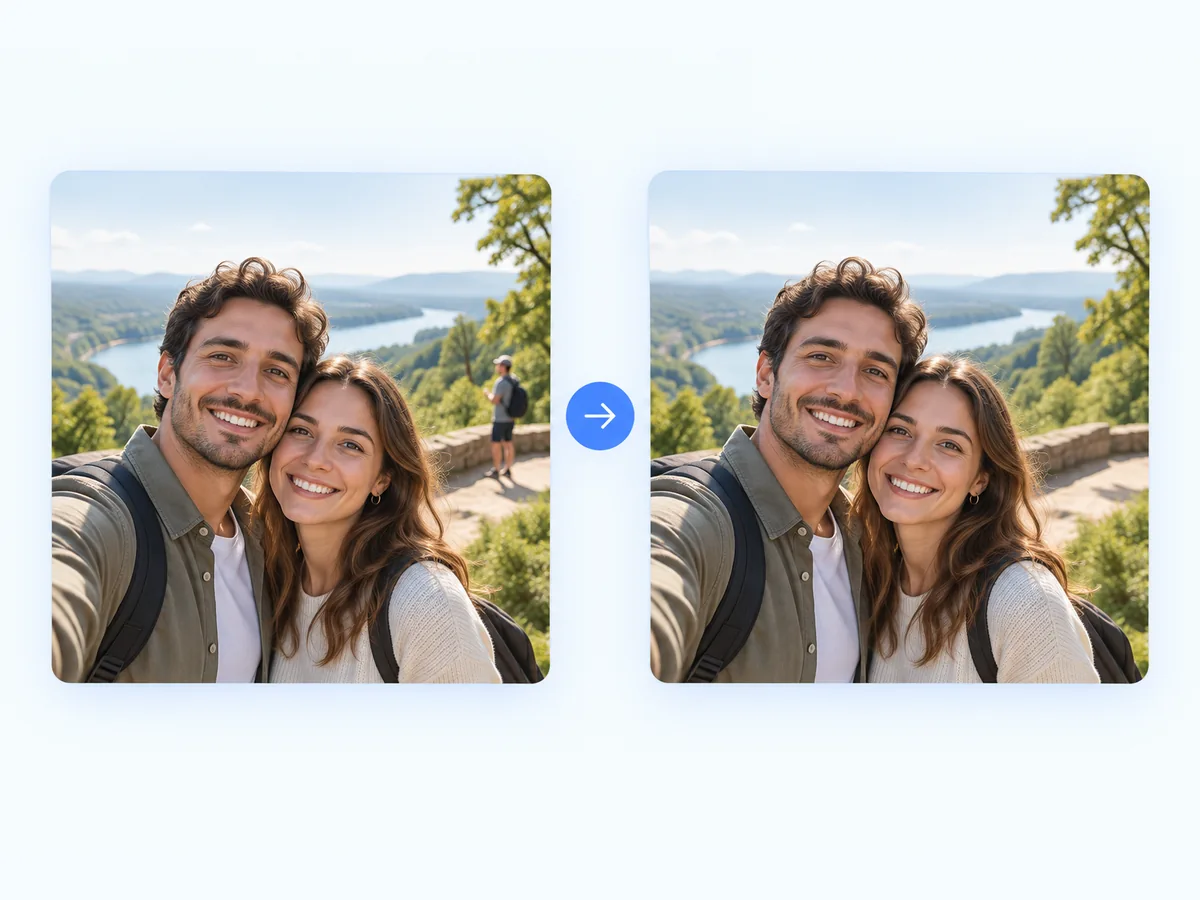
Keep a couple's portrait centered on the couple by clearing a distant passerby. Separation matters: someone standing against open scenery is easier to replace plausibly than someone blocking the main subject's face or shoulder.
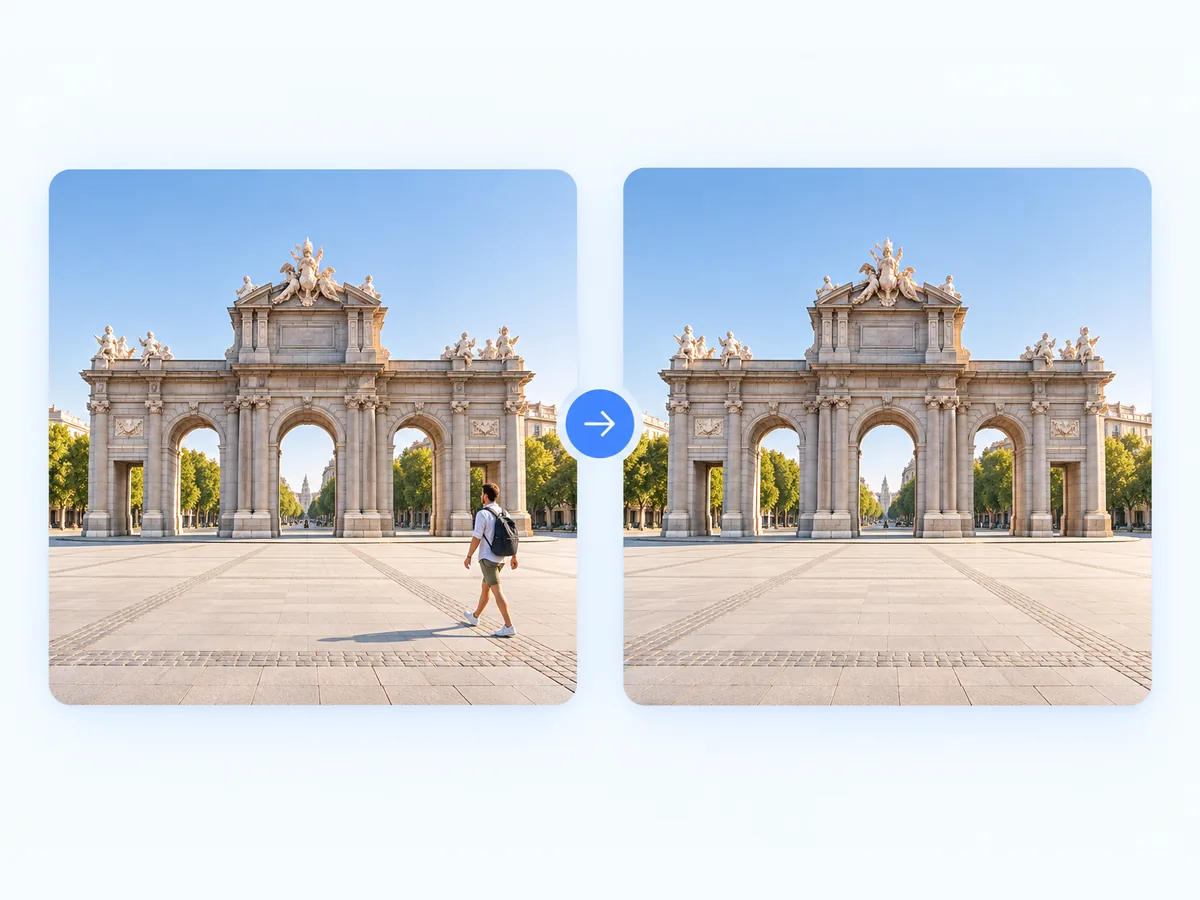
Retain a wide view of a landmark while removing an isolated visitor from the foreground. Inspect rebuilt steps, railings and stone patterns carefully. Clearing a dense crowd is a much harder task than editing one separated figure.
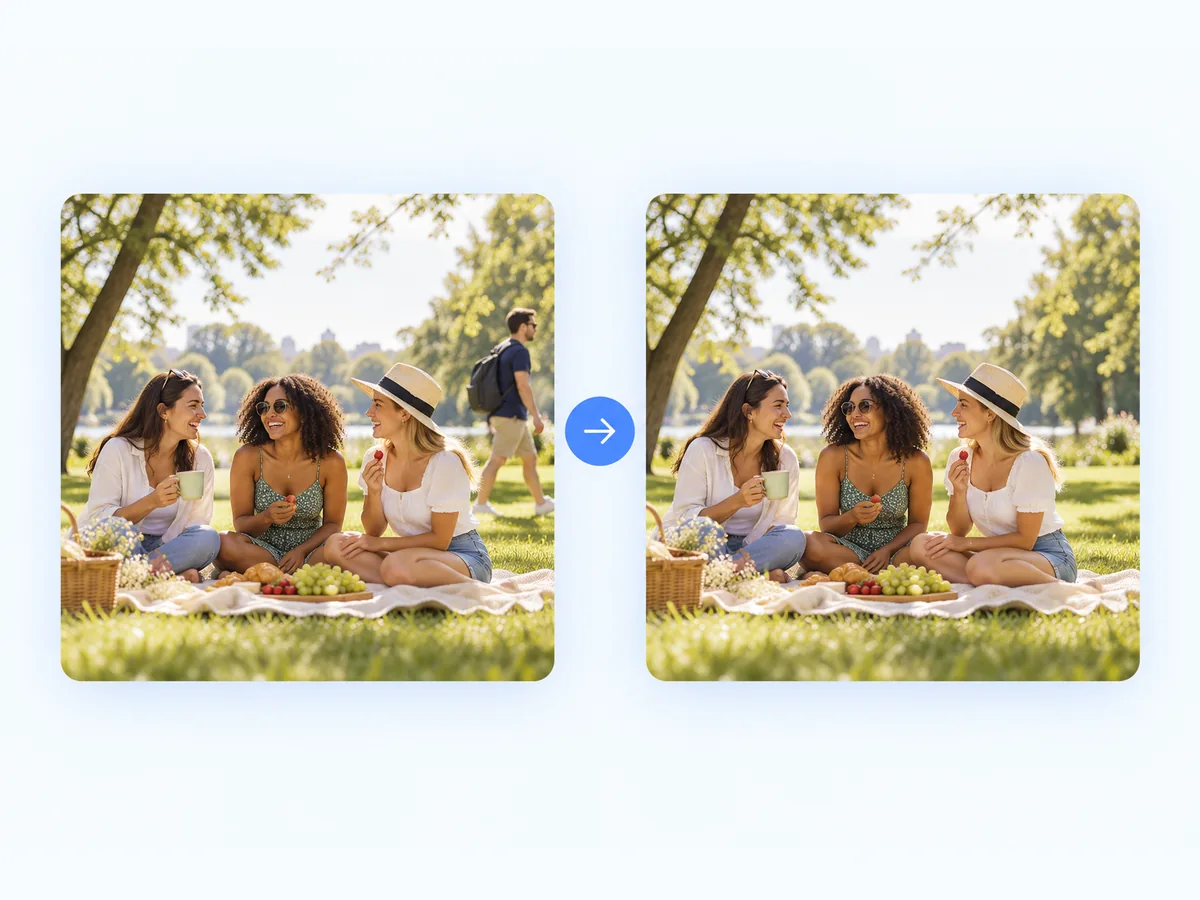
Try a local edit when a person at the edge would otherwise force you to crop the whole group. If bodies overlap, the fill may invent missing clothing or anatomy; use a different original frame when those details need to be accurate.
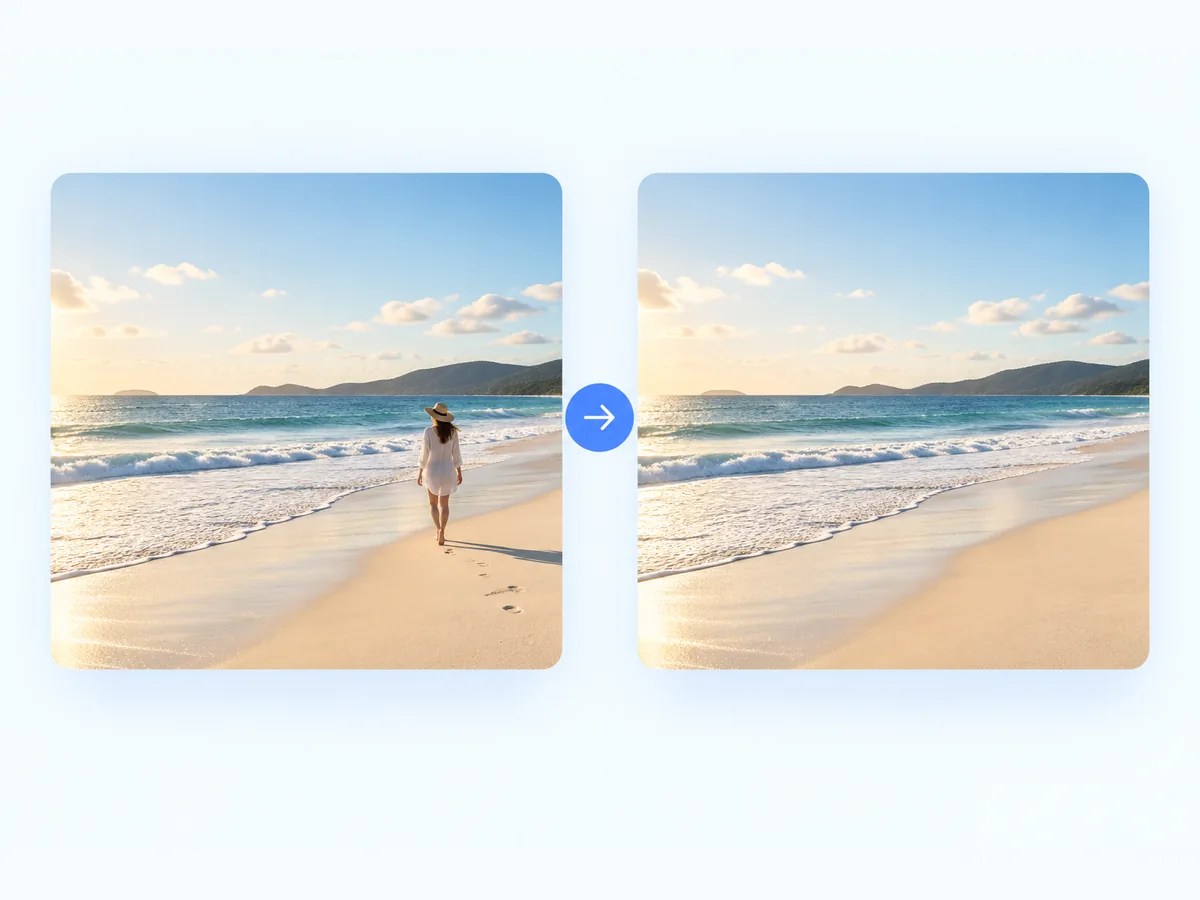
Clear an isolated walker from a beach photo while preserving the horizon and framing. Include an unwanted shadow and footprints on the sand, then check that the rebuilt texture blends with the surrounding scene rather than forming a repeated patch.
A targeted fill can avoid cropping away the location around your subject. That makes it useful for personal travel pictures and portraits where the setting is part of the memory, not just empty space around a face.
The manual brush lets you specify one unwanted figure instead of automatically deleting every person. Take care around hair, hands and shoulders of anyone you want to preserve, particularly in tightly packed group photos.
Use the free editor with no account and download a PNG for your personal album or design. Keep the original alongside it, and disclose significant edits when sharing a photo in a context where authenticity matters.
FAQ
Yes, mark only the unwanted person with the brush. To remove a person from a photo cleanly, keep the selection away from the subject you want to retain and inspect their outline afterward. A separated background figure is a more forgiving case than an overlapping one.
The fill may need to invent clothing, limbs or scenery that the removed person covered. It cannot recover the exact hidden details. If an accurate likeness or body outline matters, use another original frame rather than trusting the reconstructed region.
You can mark multiple figures, but a large selection leaves less surrounding context and requires more reconstruction. Results may be inconsistent on architecture or complex scenes. Start with isolated people and review each edit; a crowded photo is not guaranteed to become an empty location.
A shadow or reflection may remain unless you mark it. Include only the parts belonging to the unwanted person, then check pavement, water or glass for leftovers. Keep reflections from the people and objects that should stay.
The browser editor is free and requires no account. You can upload a decodable image up to 20 MB and save the result as a PNG. On a small screen, take extra care around nearby people when marking the selection.
No. Cleanup changes the photograph and reconstructs content that was not visible. Do not treat the result as an untouched record, use it to mislead viewers or assume it meets official photo requirements. Retain the original and label meaningful edits where appropriate.
YOUR NEXT EDIT
Person removal preserves most of a scene. Use a separate cleanup tool for a caption or prop, or change the entire background when you want a different composition.