Upload Your Photo
Choose a decodable image up to 20 MB. A verification window opens after upload; once you complete it, background removal starts automatically with no separate remove button.
 Transparent Background Maker
REMOVE. REPLACE. DOWNLOAD.
Remove a photo background automatically, then replace it with any color or your own image. Edit and download in one clean workspace.
Free HD PNG · No sign-up · No watermark · Files deleted within 24 hours
THREE SIMPLE STEPS
Choose a decodable image up to 20 MB. A verification window opens after upload; once you complete it, background removal starts automatically with no separate remove button.
The photo background changer displays one finished preview. Select any solid color, a ready-made scene, or your own background image, then press and hold Compare whenever you want to check the original.
Choose Download to combine the foreground and selected background at the result image dimensions. The finished file has no watermark and is ready for a listing, profile, presentation, or design.
BUILT FOR REAL PHOTO TASKS
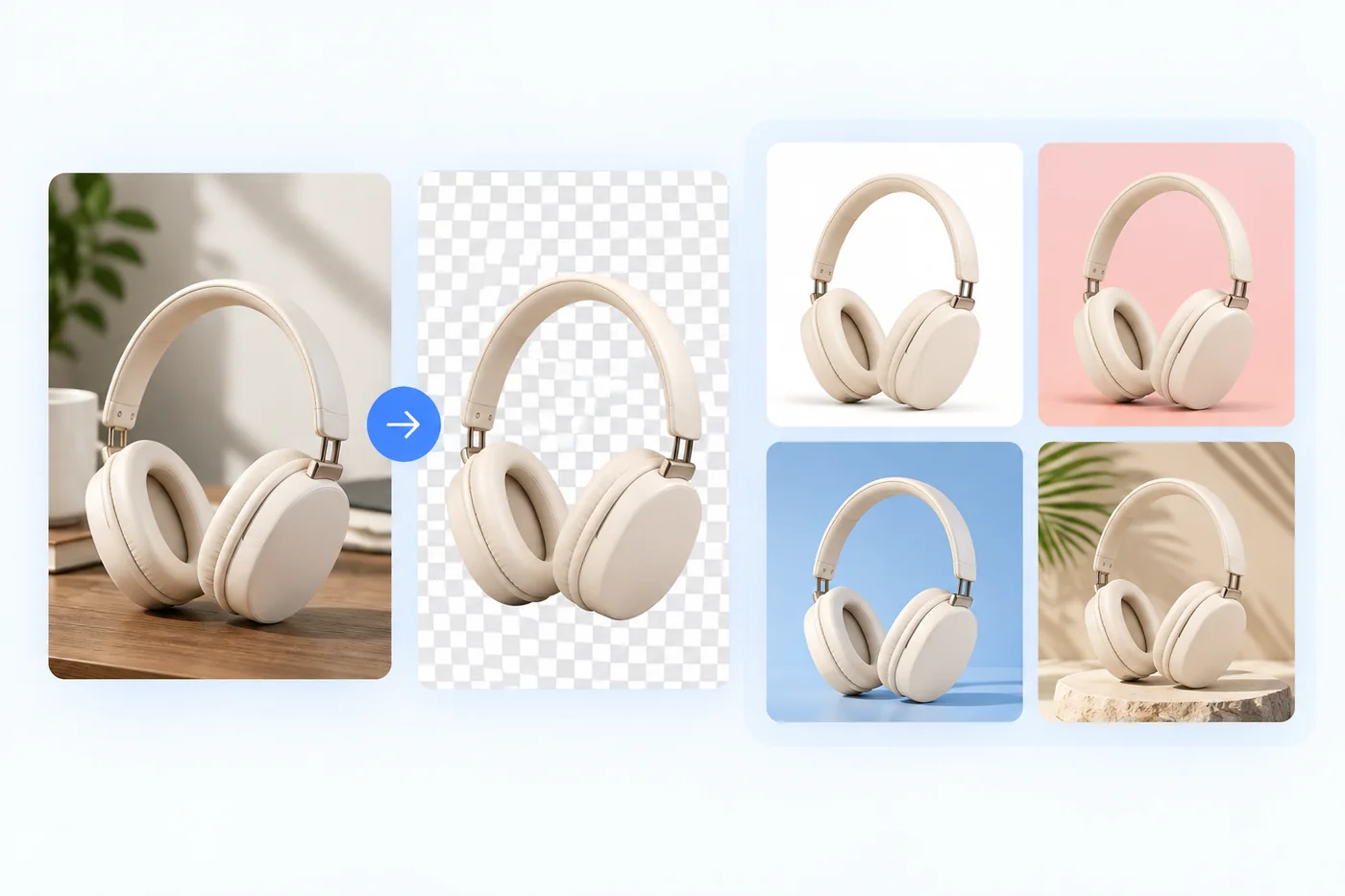
Turn a distracting product photo into a reusable foreground, then place it on a clean white background or a branded campaign image for Amazon, eBay, Etsy, or your own store.

Replace a casual wall or room with the background color requested by your application. This tool changes the background only; always confirm the official crop, lighting, size, and submission rules separately.
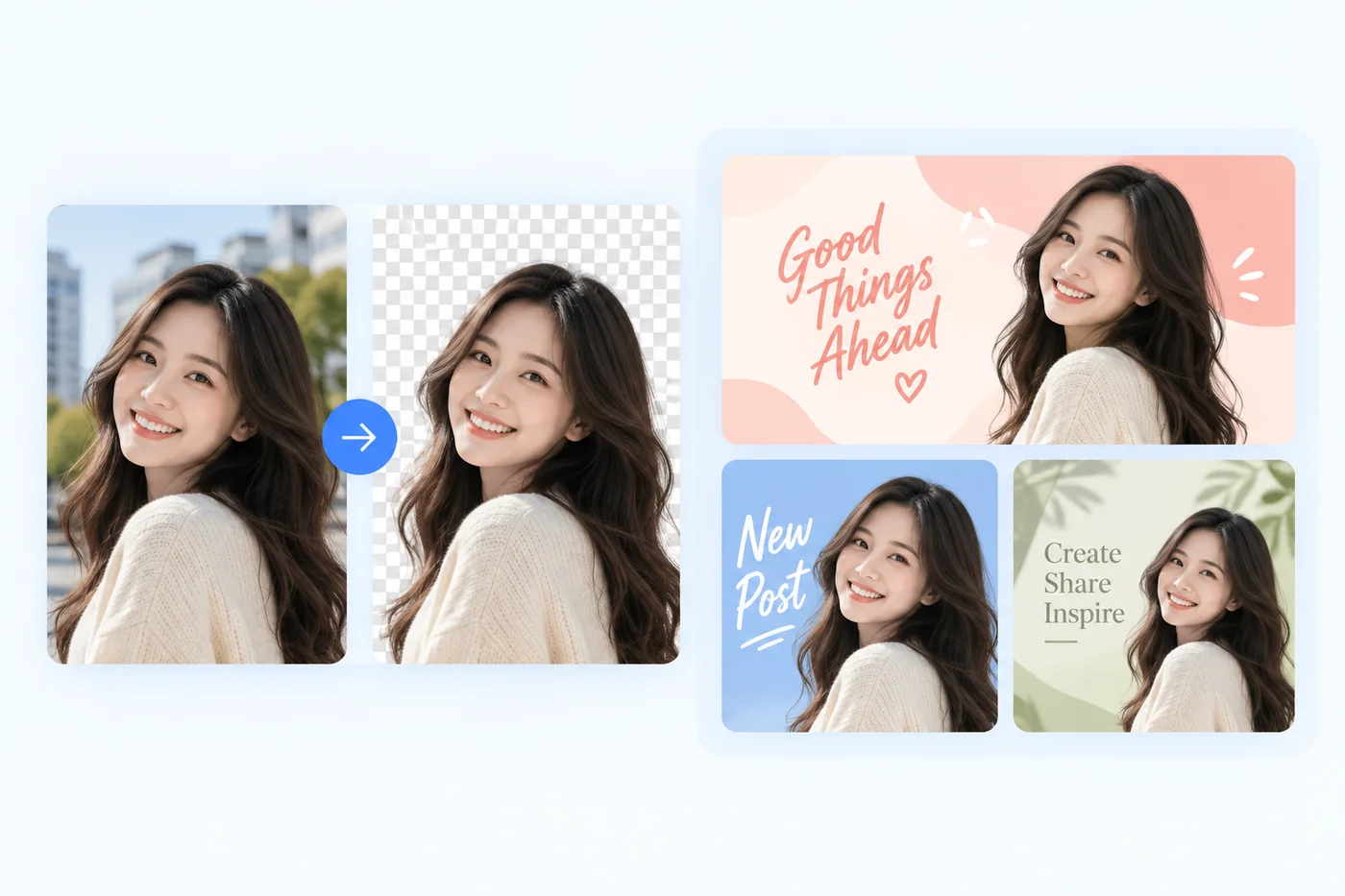
Place a portrait or object over a custom visual for Instagram posts, Pinterest pins, channel graphics, thumbnails, and announcements without tracing around the subject by hand.
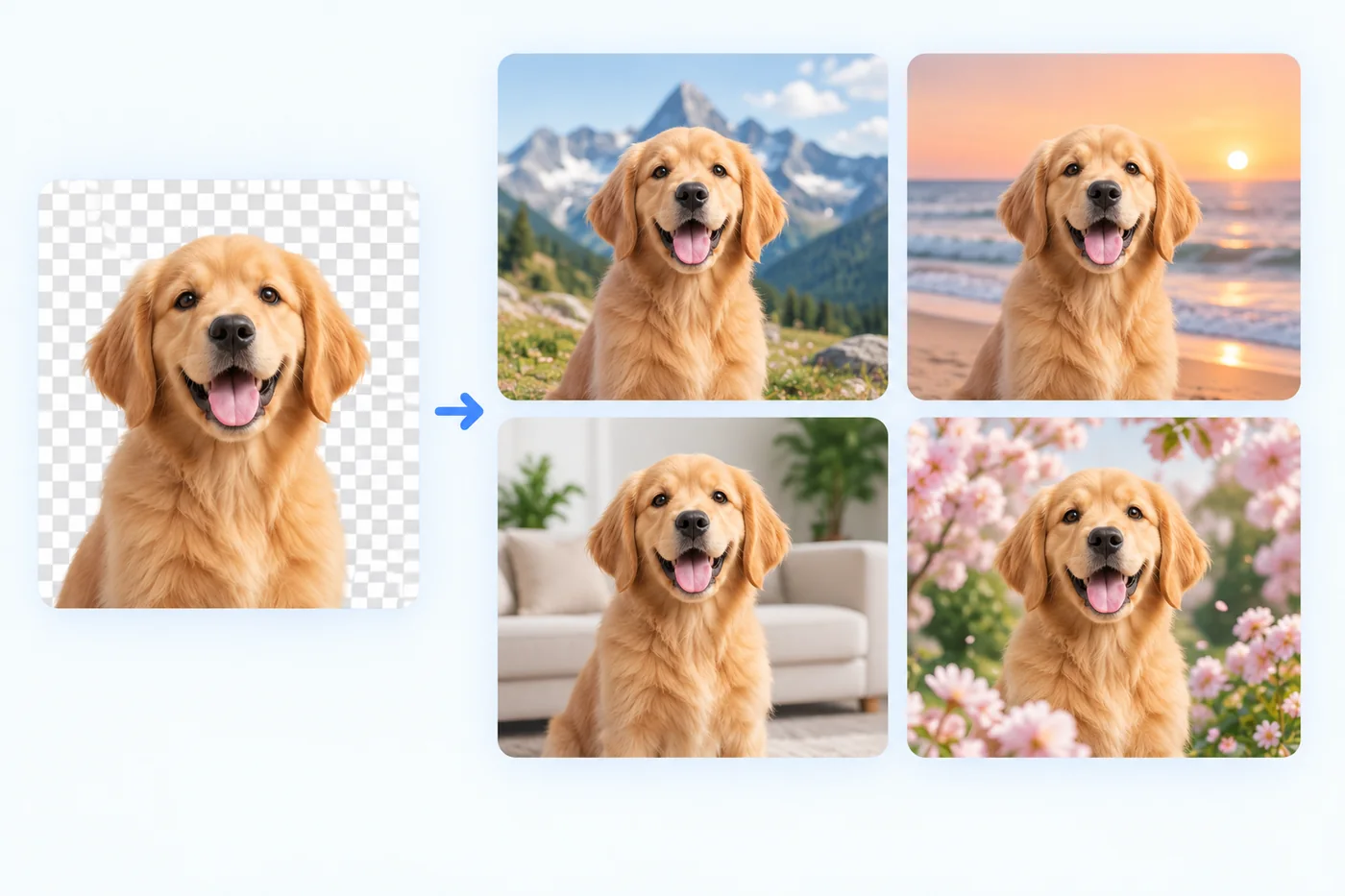
Turn a favorite pet photo into profile art, a keepsake, or a playful post by placing the clean cutout over an outdoor scene, a cozy room, or your own custom image.
Do both parts in one workspace. Keep the clean foreground visible while you test a precise solid color or your own background image, instead of moving files between separate tools.
The browser combines the selected background with the returned foreground at the result image dimensions. There is no extra forced downscaling and no watermark added to the downloaded PNG.
The photo background changer runs in a desktop or mobile browser. Upload, verify once, edit, and download without creating an account or installing a design application.
FAQ
Upload your photo, and the AI removes the background automatically after a quick security check. Then pick a new background — a solid color or your own image — and download the finished photo in full resolution HD for free.
Yes. Select white from the color palette after the background is removed, and download the finished image with no watermark and no quality loss.
Upload an image this editor can decode, up to 20 MB. Preparation runs locally without resizing. Animated or multi-page files use the first frame or page. Your finished photo downloads as a PNG.
No. The exported PNG keeps the same pixel dimensions as the background-removed result, with no forced downscaling or watermark.
Yes. After removing the background, open the Upload image tab and choose an image this editor can decode from your device. It is fitted behind your subject and included in the PNG download.
AI-generated backgrounds are planned but not available yet. The AI background tab is marked Coming soon; today you can choose a solid color or upload your own background image.
ALSO TRY
Choose white, black, or a precise brand hex with the dedicated Background Color Changer.
Open Background Color Changer