FAQ
Transparent Background Maker FAQ
What is a transparent background maker?+
A transparent background maker is an online tool that identifies the main subject in an image, removes the surrounding area, and preserves the subject on a transparent background. This transparent background maker automates the cutout, so you do not need Photoshop, manual selections, or an eraser tool.
How do I use the transparent background maker to make an image background transparent?+
Upload an image this editor can decode and complete the security check. The AI separates the subject from the image background, cleans the edge, and returns a file with a transparent background that you can place over a new color, photo, or design.
Is the transparent background maker free?+
Yes. The core online background-removal workflow is free, with no account, installation, subscription, or watermark required. Choose an image, complete the security check, remove the background, and download the result directly from your browser.
Can I remove the background from a photo?+
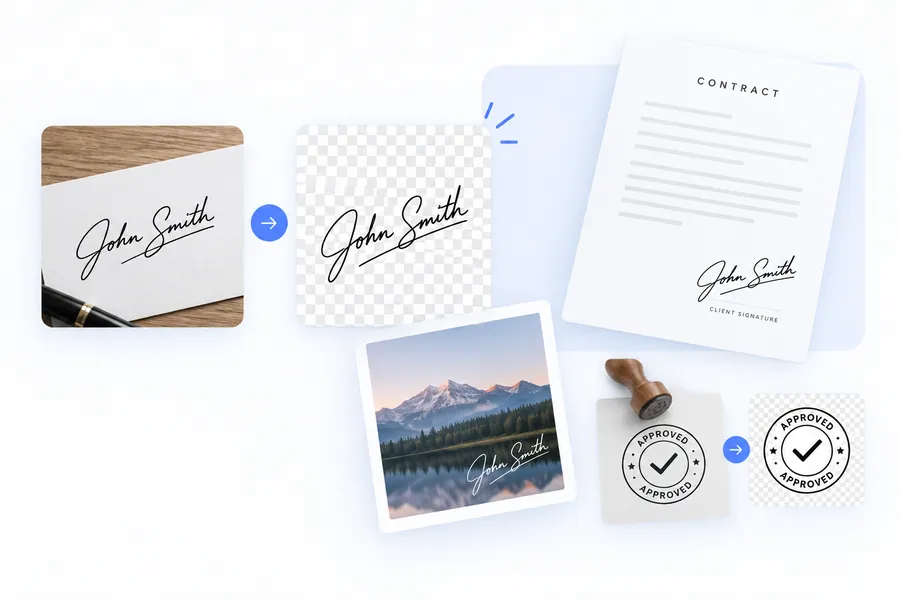
Yes. It works with product photos, portraits, pets, logos, signatures, and other images with a recognizable subject. Clear lighting and visible edges usually produce the cleanest transparent background. You can submit any image this editor can decode, within the file and pixel limits.
Can I make a white background transparent?+
Yes. A white background can be removed just like a colored or detailed image background. The tool detects the foreground subject rather than simply deleting white pixels, which helps preserve white clothing, products, lettering, and other details that should remain visible.
Does it work on iPhone or mobile?+
Yes. It runs in the browser on iPhone, Android, tablets, laptops, and desktop computers. You do not need to install an app: upload from your photo library, remove the background online, and save the finished transparent PNG to your device.