Upload Your Image
Add a decodable image up to 20 MB. The human verification prompt opens after upload. Complete it once and AI background removal begins immediately without a separate start button.
 Transparent Background Maker
YOUR COLOR. CLEAN EDGES.
Replace any image background with white, black, a preset, or an exact hex color. Preview the result and download it in one workspace.
Free full-size PNG · No account · No watermark · Files deleted within 24 hours
THREE SIMPLE STEPS
Add a decodable image up to 20 MB. The human verification prompt opens after upload. Complete it once and AI background removal begins immediately without a separate start button.
The background color changer displays one finished preview. Choose white or black, try a preset, use the visual color picker, or enter an exact hex code, then press and hold Compare to check the original.
The selected background color is combined with the clean foreground in your browser. Choose Download beneath the same workspace to save a full-size PNG with no added watermark.
ONE TOOL, FOUR PRACTICAL USES
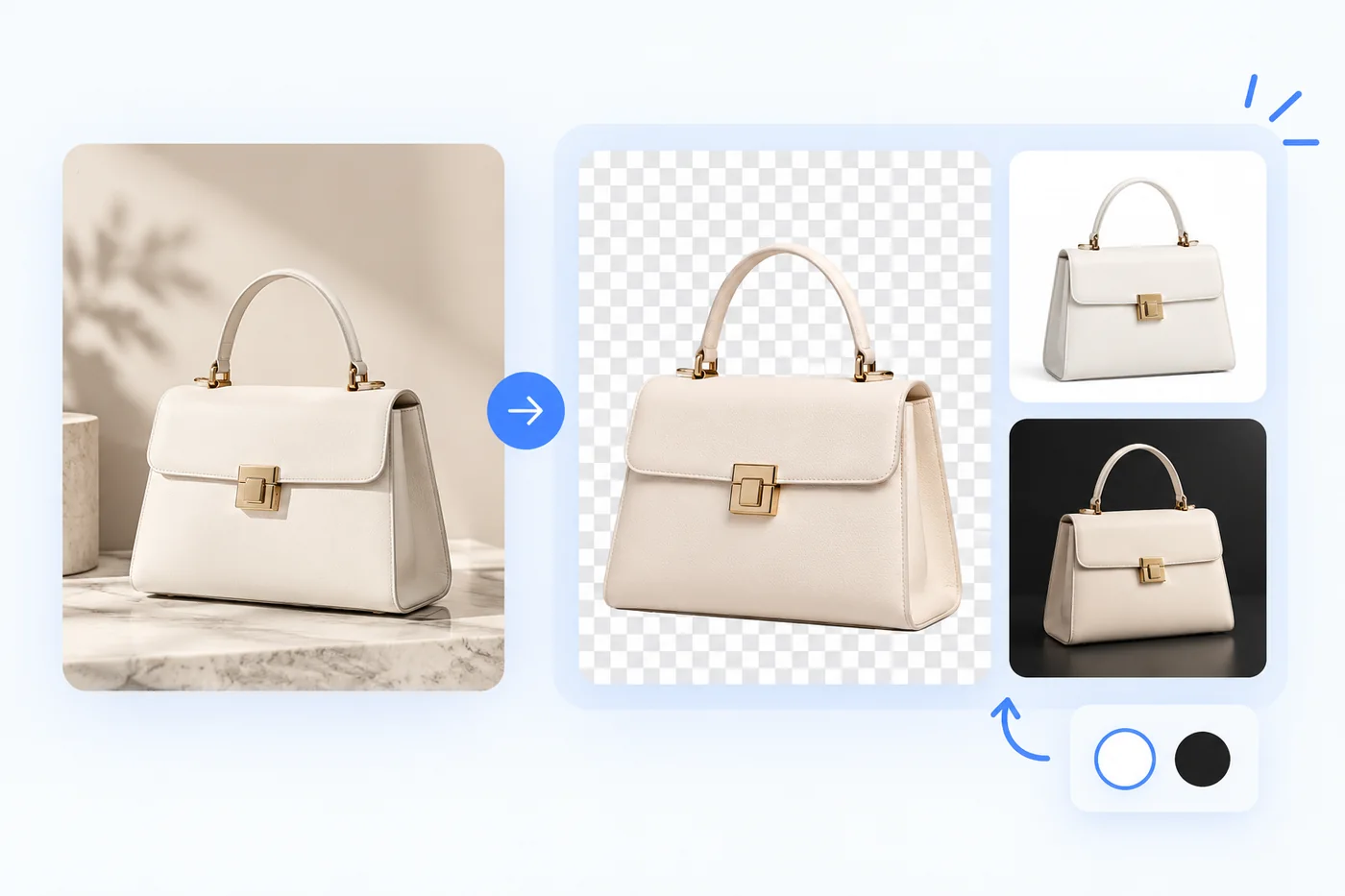
Prepare a clear white background for standard catalog imagery or a black backdrop for a darker campaign look. Check the current Amazon, eBay, or marketplace rules for your exact category before publishing.
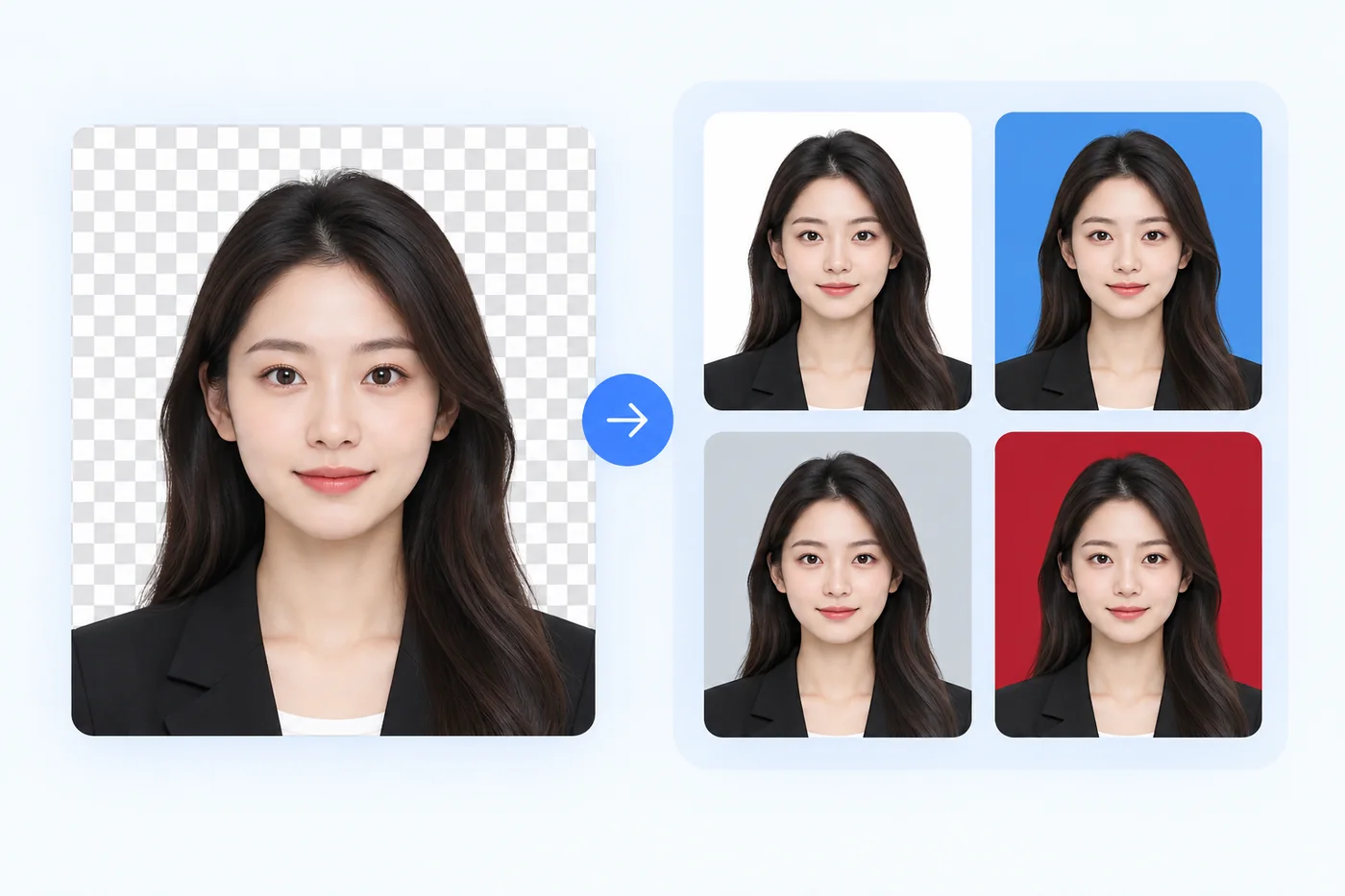
Switch a portrait to the blue, white, or other plain background requested by an application. Background color is only one requirement, so confirm the official image size, pose, lighting, and crop too.
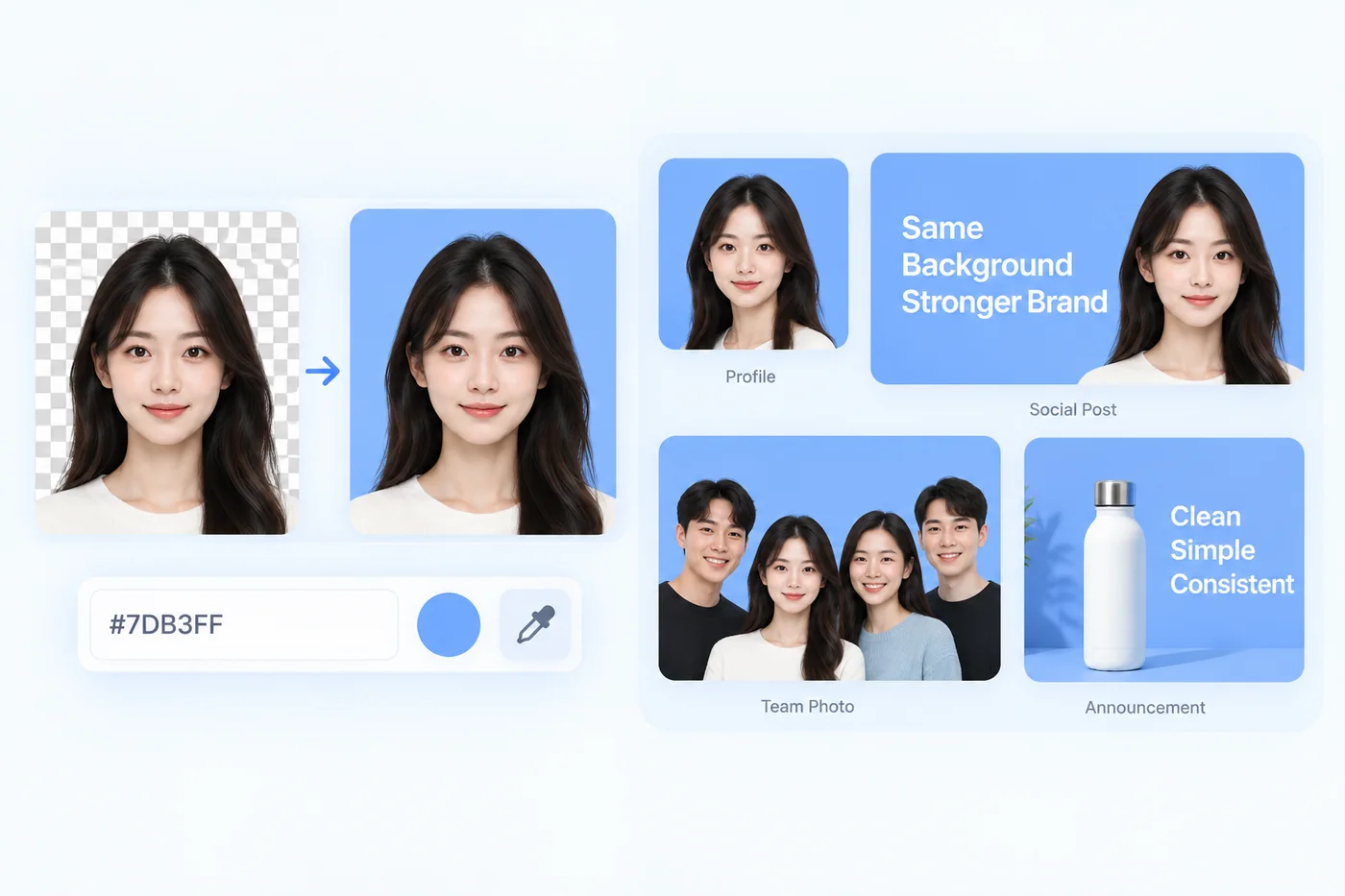
Enter the same hex value across profile graphics, announcements, team portraits, and social posts. A repeatable background color keeps a campaign visually consistent without manual selection work.
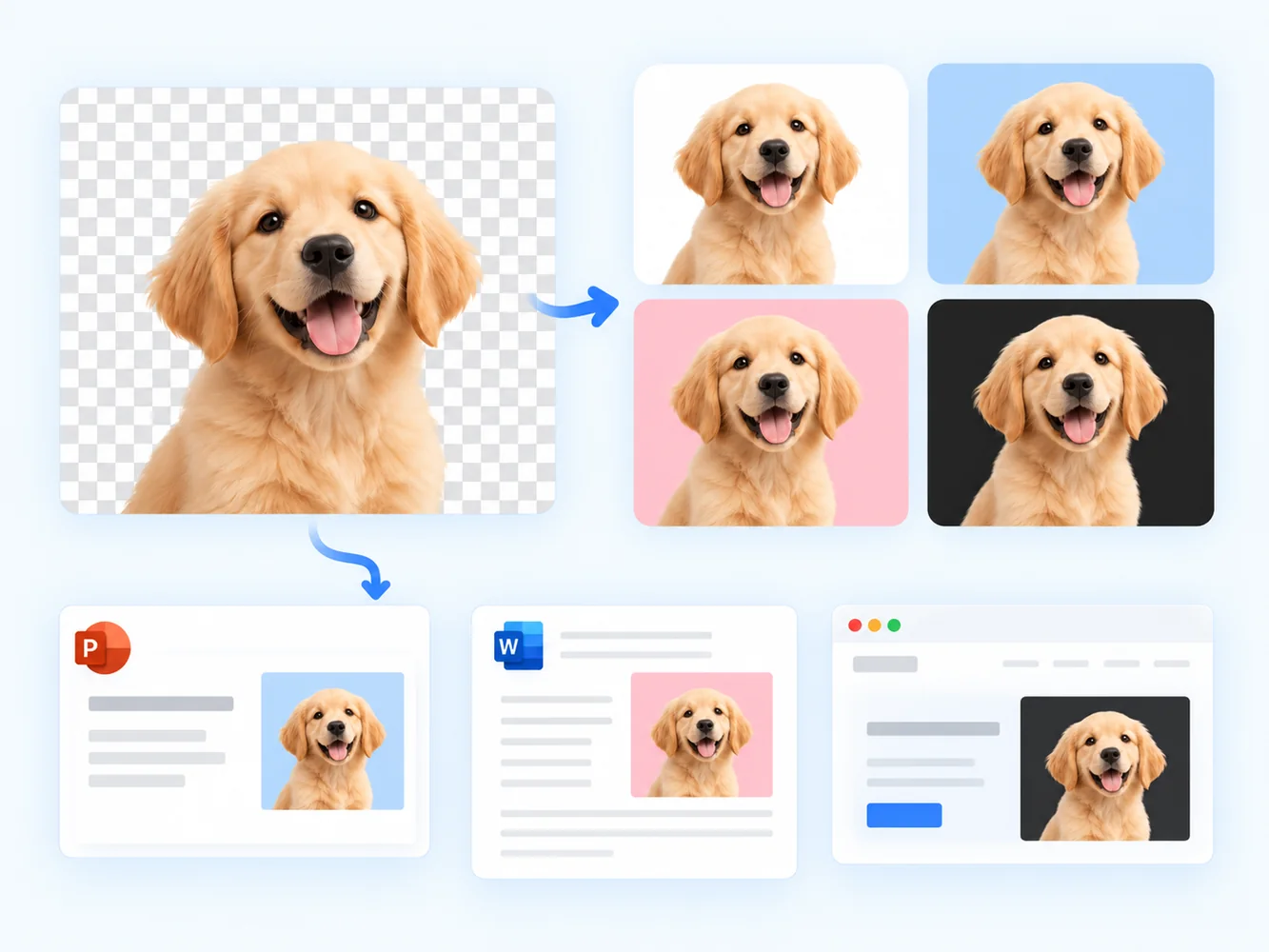
Turn a transparent PNG into a solid-background asset before placing it in a presentation, document, email, or site. The exported file is easier to use wherever transparency is not supported or desired.
Choose white, black, one of the practical presets, or enter an exact brand hex. The preview changes immediately so you can compare options before creating the download.
AI separates the subject before color is added, preserving the edge detail present in the cutout around hair, fur, curves, and narrow shapes instead of replacing pixels by color alone.
No account or installation is required. The editor works in desktop and mobile browsers, and the selected color is applied locally when the final PNG is prepared.
FAQ
Upload your image and complete the security check. AI removes the original background automatically; then choose white, black, a preset, or any custom hex color and download the finished PNG.
Yes. After the background is removed, select white from the preset colors. Your image downloads with a clean white background that works well for product listings, profile images, and many ID-photo layouts.
Yes. Pick black from the color presets or enter #000000. Your subject stays visible against a crisp black backdrop, including the fine edge detail retained by the background-removal result.
White is the most widely used background for ecommerce product images, while black can suit jewelry and luxury items. Always check the current image rules for the specific marketplace or category before publishing.
No forced resizing is added by the color editor. The PNG export uses the same pixel dimensions as the background-removed result and adds only your selected color behind the subject.
Yes. No account, sign-up, or payment is required. Upload, verify, choose the new background color, and download the finished image for free.
ALSO TRY
Replace the removed scene with your own image using the dedicated Photo Background Changer.
Open Photo Background Changer